How to set dedicated GPU as default for Flatpak apps and games on Linux
Intro
If you’ve ever launched an older OpenGL game or played a game bundled as a Flatpak on a hybrid laptop running Linux, you might have noticed that those games use the integrated graphics instead of the perfectly fine dedicated GPU in your system.
If you’re in this scenario, I have something that might help: DRI_PRIME=1
How to use it
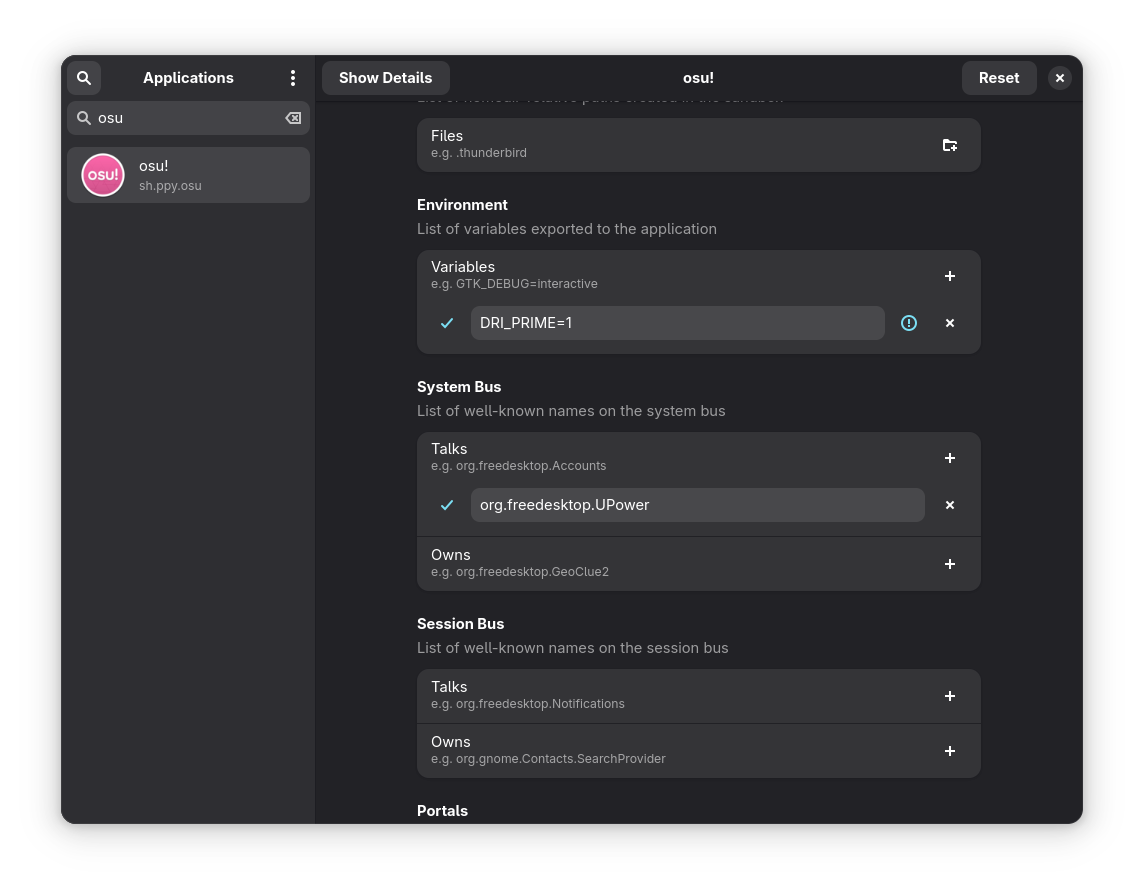
Okay, good. But how does one actually use this bit of text? Well, really however you wish. That’s an environment variable, and there are lots of ways to use it.
Here I’ll show how I personally set this to make my Flatpak apps and Steam games use the proper GPU.
Steam
- Go to your problematic game. In my case, I had issues with Portal 1.
- Press the gear icon on the right and go to “Properties”.
- In launch options paste:
DRI_PRIME=1 %command%
Flatpak Apps
I recommend setting up Flathub if you havent’t already: https://flathub.org/setup
Download Flatseal from your software center or with this command:
flatpak install flathub com.github.tchx84.Flatseal
Once installed, you should see something like this:
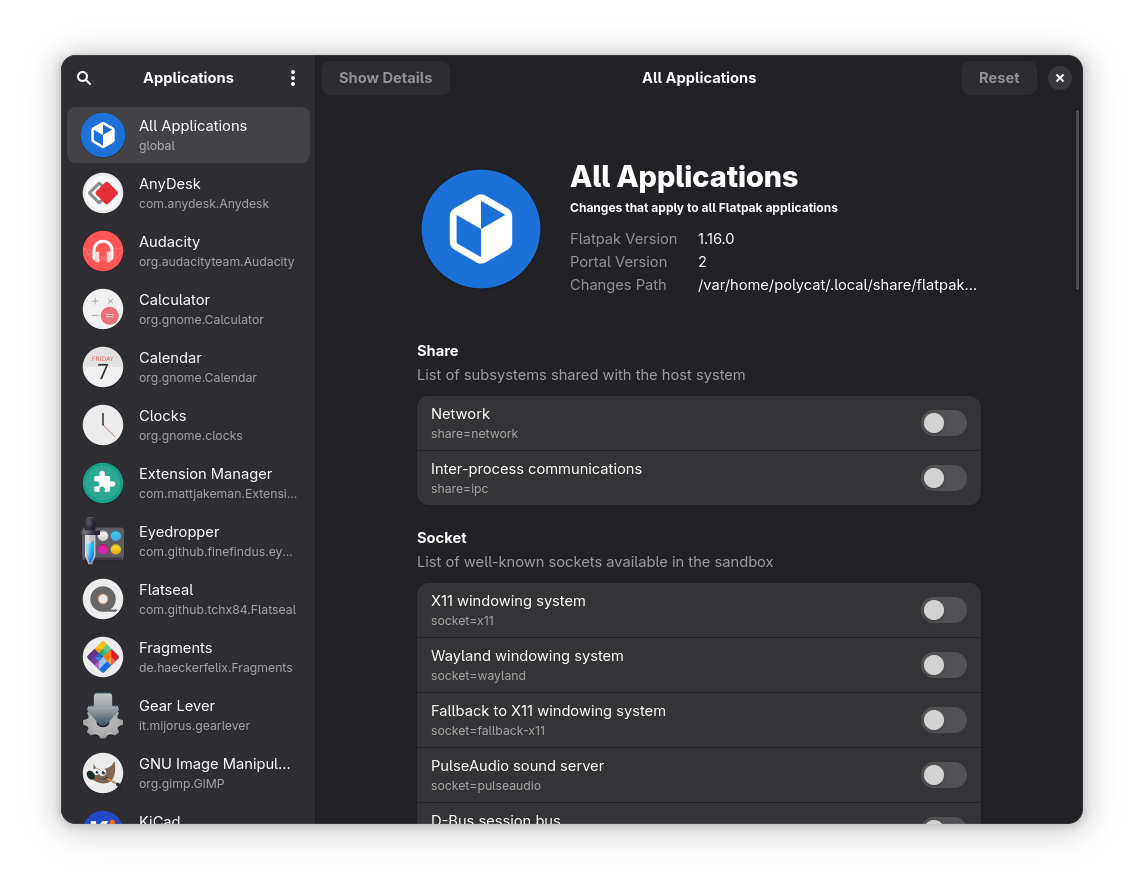
Search for your app and scroll down on the right until you see the “Environment” section. Press the plus button to create a new entry and paste DRI_PRIME=1 there.